The Ultimate Guide to Colocation in Dallas for Enterprise Growth

Soraxus Assistant
January 14, 2026 • 24 min read

Think of it this way: instead of building a house from the ground up just for your servers, you're leasing a secure, fully-equipped suite in a high-tech skyscraper built specifically for IT. That’s the core idea behind colocation in Dallas, one of the world's most important data center hubs. It’s a smart move where you place your own servers and network hardware into a purpose-built facility, splitting the high costs of industrial-grade power, cooling, and security with other tenants.
Why Dallas Is a Top Choice for Your Infrastructure
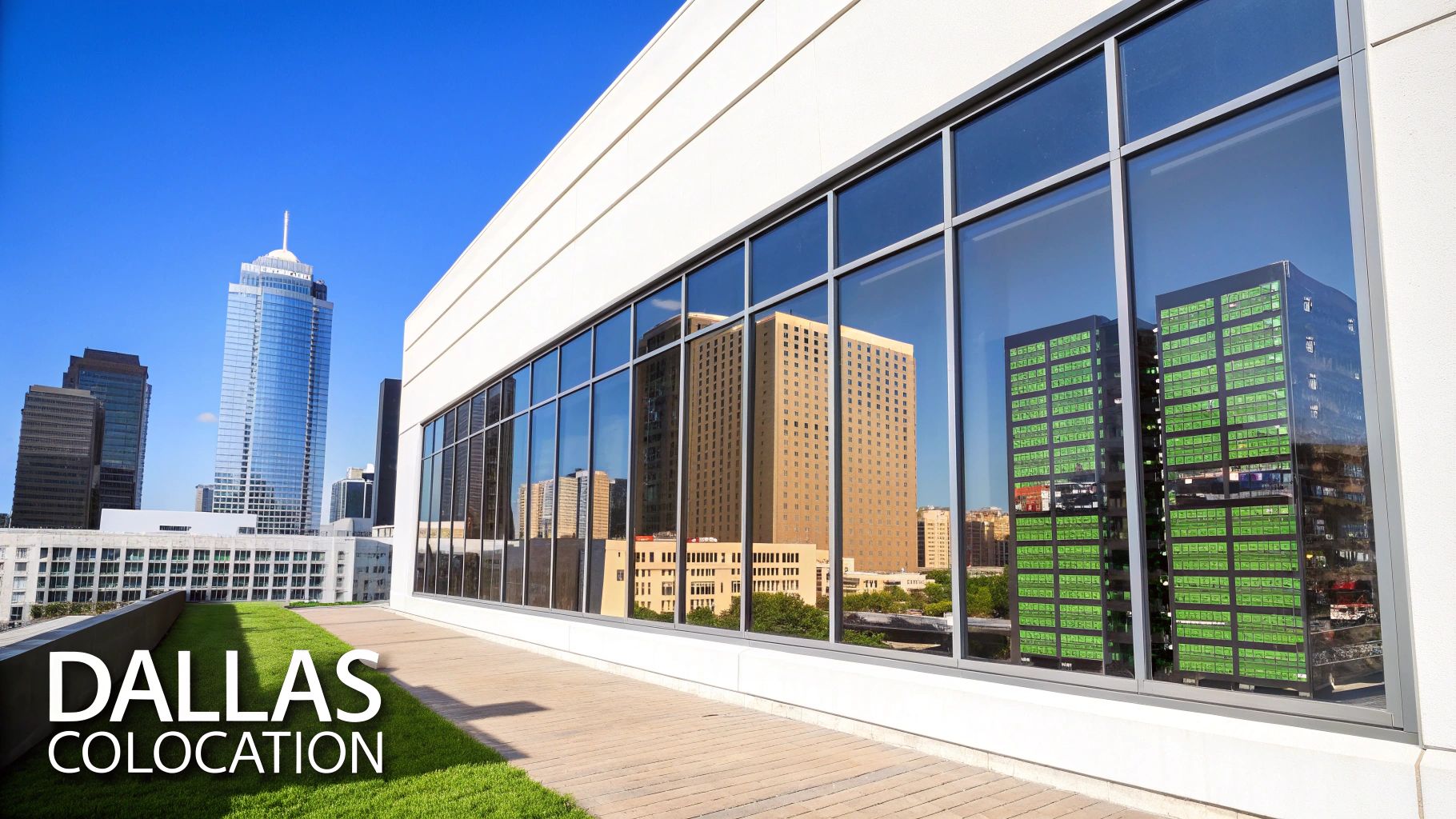
For any growing business, that on-site server room or closet eventually becomes a massive headache. The endless cycle of hardware refreshes, patching cooling systems, managing backup power, and locking everything down physically steals time and money from what your business actually does. Dallas colocation completely flips that script, transforming a huge capital investment into a predictable monthly operating cost.
You're no longer on the hook for buying and maintaining massive generators, redundant cooling units, or hiring security staff. Instead, you plug into an environment that already has all that and more, built to a standard most companies could only dream of. This frees up both cash and, more importantly, your best people to drive the business forward instead of just keeping the lights on.
To really see the difference, let's compare running your own server room to moving into a professional Dallas facility.
On-Premise vs Dallas Colocation at a Glance
| Factor | On-Premise Data Center | Dallas Colocation Facility |
|---|---|---|
| Initial Cost | High capital expenditure (CapEx) for building, power, and cooling systems. | Low initial setup fees, primarily operational expenditure (OpEx). |
| Ongoing Costs | Unpredictable expenses for power, cooling, maintenance, and staff. | Predictable monthly fee for space, power, and bandwidth. |
| Scalability | Difficult and expensive. Requires major construction and planning. | Simple and fast. Add racks or cabinets as you grow. |
| Uptime/Reliability | Dependent on your own budget for redundancy. Often a single point of failure. | Backed by SLAs with N+1 or 2N+1 redundancy for power and cooling. |
| Network Connectivity | Limited to carriers serving your office. Often just one or two options. | Carrier-neutral, with access to dozens of providers for better rates and performance. |
| Security | Basic physical security, often limited to a locked door. | Multi-layered security: 24/7 guards, biometric access, mantraps, and video surveillance. |
As you can see, the shift is less about just moving servers and more about gaining a massive strategic advantage in reliability, cost-effectiveness, and agility.
The Strategic Advantages of Dallas Colocation
The Dallas-Fort Worth metroplex didn't become a data center powerhouse by accident. Its central location in the U.S. is a massive strategic plus, offering low-latency network connections to both the East and West Coasts. It also acts as a crucial digital gateway to Latin American markets. For any business with a national or international audience—like SaaS companies, gaming platforms, or e-commerce retailers—that geographic sweet spot is a game-changer.
But it’s not just about geography. The region delivers real-world operational wins that improve both your reliability and your bottom line.
- Operational Resilience: Dallas facilities are hardened against the region's severe weather. For example, they are built with reinforced structures and have on-site fuel reserves to run generators for days, ensuring uptime during events like major storms.
- Scalability on Demand: Imagine your e-commerce platform needs to triple its server capacity for the holiday season. Instead of a massive construction project, you can simply request additional cabinets from your colocation provider and have them ready in days, not months.
- Rich Connectivity Ecosystem: The best Dallas data centers are carrier-neutral, which means you have the freedom to choose from a huge marketplace of network providers. This competition keeps bandwidth costs down and performance high. You can dive deeper into the benefits of a carrier-neutral data center in our detailed guide.
A Hub of Power and Connectivity
Dallas has firmly established itself as the 9th largest data center market in the world, with facilities commanding over 650 Megawatts (MW) of power. A major reason for this is the region’s incredibly competitive electricity costs. Businesses here pay an average of 9.72 cents per kWh, a significant saving compared to the U.S. national average of 13.45 cents per kWh. Those savings are passed directly to you in the form of more affordable colocation pricing.
Moving to a Dallas colocation facility isn't just about saving money. It's a strategic play to build your business on a rock-solid foundation of world-class reliability, connectivity, and scalability, positioning you perfectly for whatever comes next.
Inside the Dallas Advantage: Power and Connectivity
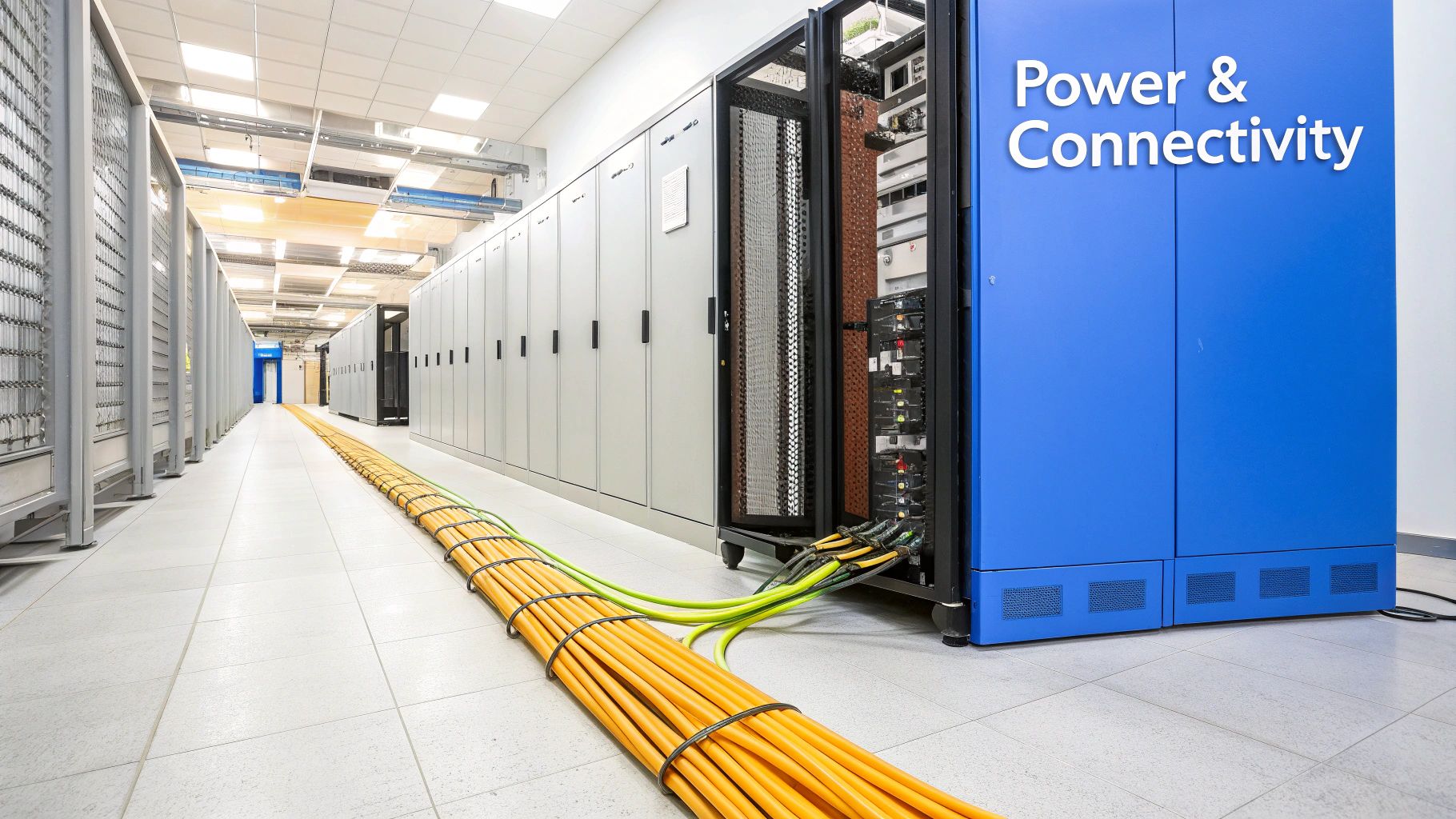
When you look under the hood of colocation in Dallas, two things immediately stand out: exceptionally reliable power and world-class connectivity. These aren’t just line items on a feature list; they are the absolute bedrock of any resilient, high-performance digital operation. Understanding exactly how Dallas delivers on these fronts is key to seeing why it’s become such a critical hub for mission-critical infrastructure.
The city’s power infrastructure is a massive competitive advantage, especially if you’re running power-hungry hardware. Think about high-density racks packed with bare metal servers and the latest Gen 4/5 NVMe storage—they consume a serious amount of electricity. The unique setup of the Texas power grid tackles this challenge head-on, offering stability and cost benefits that are tough to beat.
The Power of an Independent Grid
Unlike most of the US, Texas runs its own independent power grid, managed by the Electric Reliability Council of Texas (ERCOT). This independence fosters a highly competitive energy market, which often translates into lower electricity costs for big consumers like data centers. Ultimately, those savings get passed on to colocation clients, making Dallas an economically smart move for scaling your footprint.
But it’s not just about cost; reliability is everything. The best Dallas data centers never just plug into the grid and hope for the best. They engineer layers of redundancy to guarantee your equipment never, ever goes dark.
Think of it like a twin-engine airplane. It's designed to fly perfectly on both engines, but it can safely keep going even if one fails. A+B power redundancy is the exact same concept for your servers, providing two independent power sources to ensure zero downtime.
This dual-source design, known as A+B power redundancy, is the gold standard for fault tolerance. In a proper setup, a server with dual power supplies connects to two completely separate power distribution units (PDUs). These PDUs are then fed by independent circuits, UPS systems, and generators. If the entire 'A' side goes down—whether from a utility problem or equipment failure—the 'B' side instantly picks up the full load. Your applications stay online without a flicker.
A Crossroads of Digital Traffic
Just as crucial as steady power is the ability to move data quickly and efficiently. Dallas's central geography makes it a natural intersection for the nation's fiber optic backbone, creating an incredibly rich and diverse connectivity ecosystem. This is where the idea of a carrier-neutral data center becomes so powerful.
A carrier-neutral facility is like a bustling international airport for your data. Instead of being stuck with a single airline (network provider), you get access to dozens of them, all competing for your business under one roof. This freedom of choice gives you three huge advantages:
- Cost Savings: With multiple carriers in the building, you can shop around and negotiate much better rates for bandwidth, directly lowering your operational expenses.
- Performance Optimization: For instance, a gaming company could choose one carrier for its low-latency path to West Coast players and another for its high-bandwidth path to East Coast players, fine-tuning the experience for everyone.
- Enhanced Redundancy: You're not reliant on a single provider. You can blend connections from two or more carriers, so if one has an outage, your traffic automatically reroutes through the other, ensuring you stay online.
For any business where user experience is paramount—like SaaS platforms, online gaming, or content delivery networks—this level of network control isn't a luxury; it's a necessity.
This potent mix of affordable, reliable power and dense, flexible connectivity is fueling explosive growth. The Dallas colocation market is projected to hit 2.01 GW in 2025 and is on track to expand to 2.47 GW by 2030. This growth is being driven by hyperscalers and enterprises cashing in on the region's ideal latency and carrier options, with Texas data centers already supporting 485,000 jobs. Explore more data on the Dallas market's rapid growth and see what's behind the numbers.
Evaluating Dallas Colocation Providers
Choosing the right partner for colocation in Dallas goes way beyond just renting space and power. It’s a foundational decision that directly impacts your business's uptime, security, and future growth. You have to look past the glossy marketing brochures and really dig into the nitty-gritty of what a provider actually delivers. It's about finding a partner that operates like a seamless extension of your own IT team.
The first place to start is the most important document in the entire relationship: the Service Level Agreement, or SLA. This isn't just paperwork; it's the legally binding contract that spells out exactly what the provider promises and what happens if they don't deliver. It's the blueprint for the reliability you’re paying for.
Decoding the Service Level Agreement
An SLA is your guarantee of performance, but they are definitely not all created equal. You'll see providers throwing around uptime promises like 99.9%, 99.99%, or even the coveted 99.999%. These numbers look almost identical, but the real-world difference between them is massive.
Let's put those percentages into perspective with potential annual downtime:
| Uptime SLA | Maximum Allowed Downtime Per Year |
|---|---|
| 99.9% | 8 hours, 45 minutes, 57 seconds |
| 99.99% | 52 minutes, 36 seconds |
| 99.999% | 5 minutes, 15 seconds |
That jump from 99.9% to 99.99% represents over eight hours of acceptable downtime each year. For any business with critical applications, eight hours is an eternity. A rock-solid SLA won’t just promise a vague uptime number; it will have separate, clearly defined guarantees for power, cooling, and network availability, along with specific service credits you'll get if they miss their mark.
Physical and Digital Security Layers
Once you're comfortable with the uptime promise, the next critical checkpoint is security. In a serious Dallas data center, security isn't just one thing—it’s a layered defense system that protects your gear from both physical intruders and digital threats. Think of it as building a modern-day fortress around your infrastructure.
The first line of defense is physical security. This is so much more than a simple lock on the front door. It’s a comprehensive strategy to control and track every single person who sets foot in the facility.
- 24/7 On-Site Staff: Real people are always there, watching surveillance feeds and managing who comes and goes.
- Biometric Scanners & Mantraps: Getting into the sensitive areas should require multiple checks, like a keycard and a fingerprint scan. Mantraps are crucial—they're small, interlocking chambers that ensure only one authorized person can pass through at a time.
- Comprehensive Video Surveillance: High-definition cameras should cover every angle, from the parking lot right down to your specific server cage, with all footage saved for audits.
On the digital side, your biggest worry should be Distributed Denial of Service (DDoS) attacks. A DDoS attack is a brute-force attempt to flood your network with junk traffic, effectively knocking your services offline for legitimate users. The best colocation facilities don't just react to attacks; they have always-on DDoS mitigation that filters out the bad traffic before it even has a chance to reach your servers. It’s like having an intelligent shield that constantly protects you.
Think of an Out-of-Band management network as a secure, private back door to your servers. If the main network—the "front door"—is ever blocked by a DDoS attack or a misconfiguration, you can still use this separate key to get in, reboot a server, or fix the problem.
For any serious operation, this kind of backdoor access is non-negotiable.
Remote Hands and Out-of-Band Access
Let's be realistic: even the most reliable hardware has bad days. A server might lock up at 3 AM, or a network cable might get jostled loose. When your team is miles away, you need dependable people on-site. This is where remote hands support becomes a lifesaver.
Remote hands is an on-demand service where the data center's own expert technicians act as your eyes and hands. For example, you could open a ticket asking a technician to physically check the status lights on a switch, power cycle a frozen server, or reseat a network cable. This service alone can save you the massive cost and time of sending your own engineer to the facility for a five-minute fix.
For even more granular control, you need Out-of-Band (OOB) access. This gives you a secure, independent connection directly to your hardware's management port, completely separate from your main network. So, if a server's operating system crashes and it drops off the network, OOB access still lets you connect to its console to see what's wrong and fix it, just as if you were standing in front of it.
By carefully vetting these key areas—the SLA, security, remote hands, and OOB access—you can cut through the marketing fluff and find a true infrastructure partner. To help with your search, our guide on the best colocation providers gives a broader look at what to expect from top-tier facilities. Ultimately, these features are the cornerstones of a resilient colocation strategy in Dallas.
Navigating Colocation Costs and Contracts
When you’re looking into colocation in Dallas, getting a handle on the costs is absolutely critical. It’s not like paying a simple utility bill. Colocation pricing is a mix of several factors, each tied directly to what your infrastructure actually needs. If you can get a firm grip on these components from the start, you can budget accurately and sidestep any nasty surprises later on.
The big three cost drivers you'll always see are space, power, and bandwidth. Each one has its own pricing models and options that can really move the needle on your monthly bill, so it’s worth understanding how they all fit together.
The Three Pillars of Colocation Costs
Your monthly invoice really boils down to three things: how much physical real estate you’re using, how much electricity your gear is drawing, and how much data you're pushing. Each is priced differently, and the best model for you depends entirely on your specific setup.
-
Space: This one's the most straightforward. You’re typically billed per rack unit (we call it a "U," which is 1.75 inches of vertical space) or for a dedicated slice of a cabinet—like a quarter, half, or full rack. A small business running a couple of 1U servers would just pay for 2U of space, whereas a larger company deploying a whole stack of equipment would lease an entire 42U cabinet.
-
Power: This is where things can get a bit more complex. You’ll usually run into two models. There’s committed power, where you pay a flat rate for a certain amount of amperage (say, a 20-amp circuit). Then there’s metered power, where you pay for exactly what you use. For a predictable workload like a database server, committed power is great. For a development environment that's only busy during work hours, metered billing can save a lot of money.
-
Bandwidth: This is your lifeline to the internet. You might opt for blended bandwidth, which intelligently combines several carriers for better performance and redundancy. Or, you could go with a dedicated connection from a single provider. Pricing is usually based on usage (per megabit or gigabit) or a set commitment, like locking in a 1 Gbps port.
For a much deeper dive into how these numbers stack up, check out our guide on the cost of colocation.
Decoding Contract Terms and Hidden Fees
Once you’ve got the core costs figured out, it’s time to dig into the contract itself. A good colocation agreement should feel like a partnership that helps you grow, not a rigid document full of financial landmines. You have to pay close attention to the fine print before signing anything.
The key things to look for are the contract length—most run from one to three years—and your options for scaling up. Can you easily add more space or power without having to completely renegotiate? For any growing business, that kind of flexibility is a must-have.
Beyond the big three costs, always ask about potential "hidden" fees. These can pop up as one-time setup charges, fees for running cross-connects to network carriers, or extra costs for after-hours remote hands support. A truly transparent provider will lay all of this out for you upfront.
The competition for quality space in Dallas is fierce. Right now, the market has about 1 gigawatt (GW) of operational colocation capacity, and the occupancy rate is hovering right around a staggering 98%. This intense demand, fueled by AI and cloud growth, really highlights why it’s so important to lock in a contract that not only works for your budget today but also gives you the runway you need for tomorrow. To see the bigger picture, learn more about the boom in Dallas data centers and what’s driving it.
Executing a Seamless Migration Plan
Moving your entire infrastructure into a new Dallas colocation facility can feel like performing open-heart surgery on your business. The key to success isn't speed; it's about meticulous planning and a rock-solid execution strategy. Honestly, the goal is to make the transition so smooth that your end-users never even notice it happened.
This whole process starts way before you unplug a single server. It begins with a deep-dive audit of every piece of hardware, every software dependency, and every single network connection. You need a complete map of how everything talks to everything else. This is where you’ll spot those critical pathways and potential single points of failure that absolutely must be addressed before the move.
Building Your Migration Runbook
Once you've got the audit nailed down, your next move is to create a detailed migration runbook. This document is your mission plan, a step-by-step guide scripting the entire process from start to finish. A great runbook leaves nothing to chance, ensuring every single person on your team knows exactly what they’re supposed to do and when.
Think of a runbook as a pilot's pre-flight checklist. It's a systematic, repeatable process designed to guarantee safety and success by eliminating guesswork. It details every action, every checkpoint, and every contingency plan, ensuring a controlled and predictable outcome.
A truly thorough runbook should always include these key sections:
- Pre-Migration Checklist: This is all your prep work. Think labeling every cable and server, confirming new IP address assignments, and getting firewall rules squared away with your Dallas provider.
- Step-by-Step Execution Plan: This is a minute-by-minute timeline for the migration event itself. It spells out who does what and when—from racking servers and connecting power to the initial boot-up sequences.
- Post-Migration Testing: A rigorous validation phase to confirm every application is running, every database is accessible, and network performance is exactly where it needs to be.
- Rollback Procedures: This is your "Plan B." If a critical issue pops up that can't be fixed on the fly, this section lays out the exact steps to abort the migration and revert to your old setup with minimal disruption.
A Practical Migration Example
Let's imagine a SaaS company moving its production database and application servers to a Dallas data center. For them, a zero-downtime migration is the only option. Instead of attempting a risky "big bang" move where everything shuts down at once, they wisely choose a phased approach.
First, they work with their colocation provider to set up a high-speed, secure network link between their old and new environments. Then, they start replicating their databases to the new Dallas location in real-time. For a full week, both databases run in perfect sync, giving them time to ensure the new environment is stable and ready for prime time.
During a planned maintenance window, they put their application into a brief read-only mode, perform one final data sync, and then cut over DNS to point all traffic to the new servers in Dallas. The entire user-facing interruption lasts less than five minutes. Afterward, they rely on the provider's remote hands team to decommission the old hardware, saving them a trip. It’s this kind of close coordination and phased rollout that transforms a high-risk project into a controlled, successful transition.
Your Dallas Colocation Checklist
Picking a colocation provider in Dallas is a huge decision, and you need a structured way to get it right. This checklist pulls together all the critical technical, security, and support points we’ve covered. Think of it as your game plan for comparing providers and finding a partner who can genuinely support your business for the long haul.
This isn't about ticking boxes on a feature list. It’s about asking the right questions to uncover what a provider is truly capable of.
Technical and Infrastructure Capabilities
The core of any colocation service is the building itself—the power, cooling, and network. Don't just take their word for it; you need to see proof that the facility is built for rock-solid performance.
- A+B Power Redundancy: Make sure they offer true A+B power feeds coming from separate PDUs. These should be backed by independent UPS systems and generators. Ask for a tour or at least a power diagram to trace the path all the way from the utility to your cabinet.
- High-Density Cooling: Running modern, power-hungry gear? You need to know if their cooling can keep up. Ask if they can handle cabinets pulling 10kW, 15kW, or more without creating hot spots that could throttle your servers.
- Carrier-Neutral Connectivity: How many network carriers are actually in the building? A long, diverse list of on-net providers means you get better pricing, better performance, and real redundancy options.
When you ask about connectivity, don't just settle for a "yes" on carrier neutrality. Demand the full carrier list. A healthy ecosystem with over a dozen providers is a great sign you're looking at a mature, well-connected data center.
Security and Compliance Protocols
Security isn't an add-on; it's a fundamental, multi-layered requirement. A provider must prove they have strict controls in place for everything from physical access to digital attacks.
- Multi-Factor Physical Access: How do you get into the building? A simple keycard isn't enough. Look for multi-factor authentication, like a biometric scanner paired with an access badge, and make sure they have mantraps at all key entry points.
- 24/7 On-Site Security Staff: Is there a real person on-site at all times? Confirm that trained security staff are physically present around the clock, not just watching cameras from a remote office.
- Always-On DDoS Mitigation: This is a big one. Is their DDoS protection something they turn on after an attack starts, or is it always on? The best providers have proactive mitigation that can handle massive attacks (over 1.5 Tbit/s) and filter out tricky application-layer threats before they ever reach your servers.
Support and Contractual Flexibility
The most advanced infrastructure in the world is useless if you can't get expert help when you need it or if you're locked into a rigid contract. This is what separates a simple vendor from a real partner.
- 24/7 Remote Hands: What’s their guaranteed response time for remote hands? Better yet, test them. Find out if the technicians on the other end are experienced engineers or just staff trained to follow a script.
- Expert Support SLA: Look past the network uptime guarantee. What’s the SLA for their support ticket response times? When something critical breaks, you need an expert on the line in minutes, not hours.
- Scalable Contract Terms: How hard is it to add more space, power, or bandwidth? Your contract should give you a clear, predictable path to grow without having to tear everything up and start over.
- Transparent Pricing: Get a detailed breakdown of every single cost. This includes setup fees, cross-connect charges, and any extra fees for remote hands or other managed services. No surprises.
Your Dallas Colocation Questions, Answered
If you're looking into Dallas colocation, you probably have a few questions. That's a good thing. Getting clear answers is the only way to feel confident about where you're putting your critical hardware. Let’s tackle some of the most common questions we hear from businesses just like yours.
Colocation vs. Dedicated Server: What's the Real Difference?
It all boils down to one simple question: who owns the hardware?
With colocation, you bring your own servers, your own storage arrays, and your own networking gear. You’re essentially leasing a secure, powered, and climate-controlled spot inside a professional data center to run your equipment. This gives you total control over the exact specs and software you run, which is a must-have for custom builds or high-performance computing.
A dedicated server, on the other hand, is a rental. The provider owns the physical machine, and you rent it from them. They handle all the maintenance, component failures, and eventual upgrades. It's a simpler path with fewer upfront costs, while colocation is all about ultimate control and customization.
How Does Dallas's Central Location Actually Help My Business?
Dallas's spot on the map isn't just a fun fact; it's a huge strategic asset for any company serving a wide audience. Being in the middle of the country gives you incredibly low-latency network routes to users on both the East and West coasts. That means a faster, snappier experience for everyone, no matter where they are.
Think of it this way: Dallas is more than just a domestic midpoint. It’s also a major network gateway to Mexico and Latin America. This makes it a prime location for SaaS companies, gaming platforms, and media services looking to grow their user base south of the border.
You’re literally minimizing the physical and digital distance between your servers and your customers, and in the world of application performance, every millisecond counts.
Can I Start Small and Grow My Space Over Time?
Absolutely. In fact, that’s one of the biggest reasons businesses choose colocation. Good providers build their facilities and contracts with growth in mind. You don't have to guess your five-year plan perfectly on day one.
You can start with just a single 1U or 2U of server space and expand from there. For example, a startup might begin with just two servers for their initial application and database. As their business takes off, they can move into a quarter, half, or even a full cabinet to accommodate more users. This model lets you scale your infrastructure without the massive capital outlay and logistical headaches of building out your own server room. Power and network connectivity scale right along with your physical footprint.
Ready to build your mission-critical infrastructure on a foundation of performance and reliability? Soraxus offers enterprise-grade Dallas colocation with A+B power redundancy, 24/7 remote hands, and always-on DDoS mitigation. Secure your future-proof home for your hardware today. Learn more at https://soraxus.com.