Choosing Colocation Dallas The Definitive How-To Guide

Soraxus Assistant
January 10, 2026 • 20 min read

Opting for colocation in Dallas means you’re moving your essential server hardware into a purpose-built data center. This move gives you immediate access to enterprise-grade power, cooling, and security—a smart middle ground between the headaches of an on-premise server room and the unpredictability of a full cloud migration. For example, a growing e-commerce business struggling with power outages in its office can move its web servers to a colocation facility to guarantee uptime during peak shopping seasons.
Why Dallas Is A Premier Colocation Destination
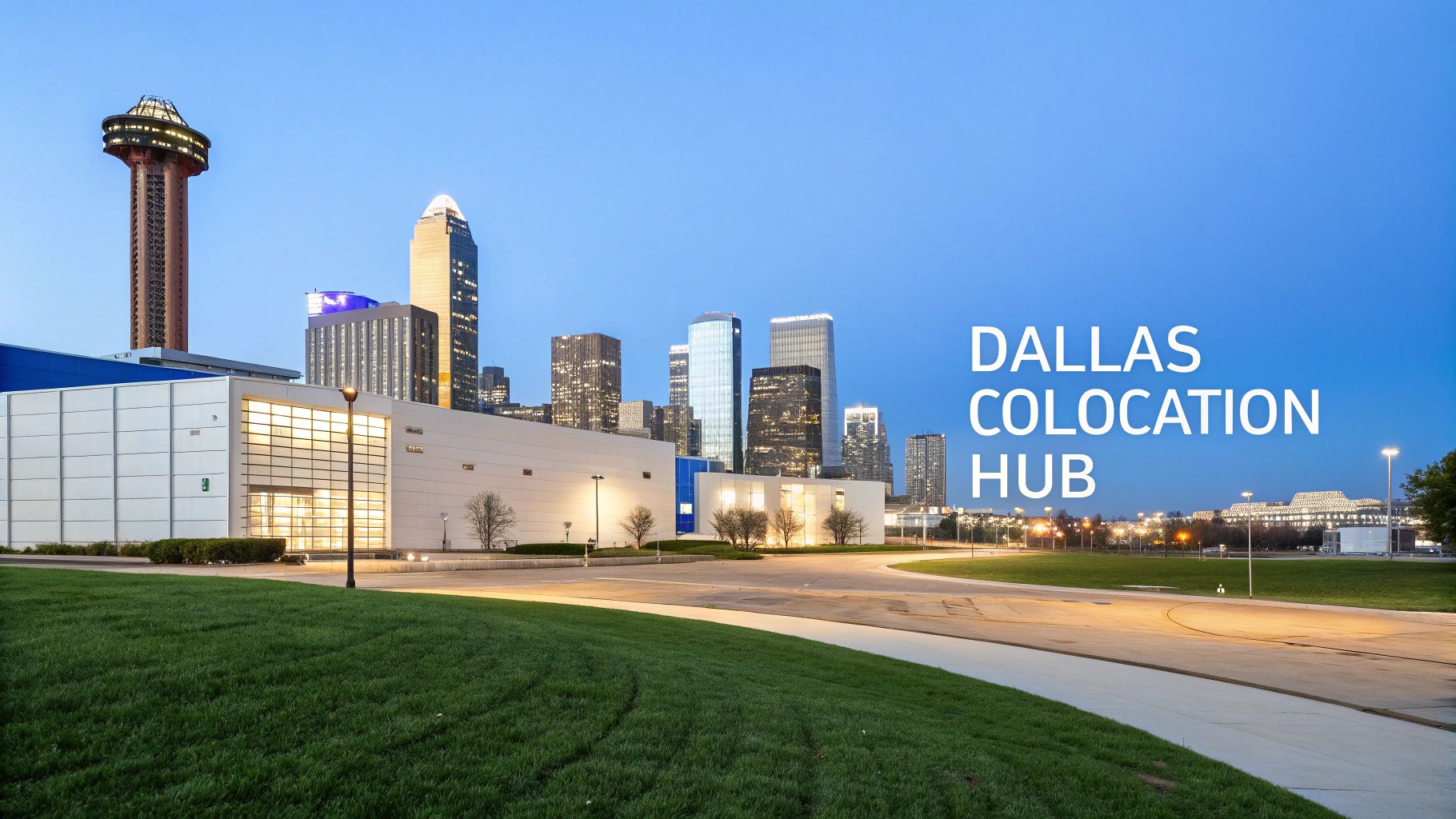
Dallas has become a go-to hub for data infrastructure, and it’s no accident. Businesses from all over the world are drawn here because the city offers a rare blend of geographic, economic, and technical advantages that are perfect for mission-critical IT operations.
One of the biggest draws is its central location in the United States. Sitting squarely in the middle of the country, Dallas serves as a natural crossroads for coast-to-coast connectivity, which helps cut down network latency for users everywhere. This geographic advantage is a huge win for any company with a spread-out customer base.
The Connectivity and Power Advantage
Think about it from a practical standpoint. If you're running a SaaS platform with customers in both New York and California, hosting in Dallas helps level the playing field on response times. You can deliver a consistently fast experience for everyone. The same logic applies to a gaming community—placing servers in Dallas reduces lag for players across the country, which is everything in a game where milliseconds matter.
Beyond its prime location, Dallas is known for its reliable and surprisingly affordable power grid. The Texas grid (ERCOT) keeps energy pricing competitive, and that translates directly into lower operating costs, especially if you're running power-hungry hardware for high-performance computing or dense server racks. For a business running AI model training, which requires immense power, this cost difference can translate into thousands of dollars in savings annually.
The real magic of Dallas is how it combines low-latency network routes with cost-effective power. It lets you boost performance without blowing up your budget, hitting that sweet spot between growth and stability.
A Thriving Data Center Ecosystem
This powerful mix of benefits has ignited a massive industry boom. Before we dive deeper, let's look at some key numbers that paint a clear picture of the Dallas market.
Dallas Colocation Quick Facts
| Metric | Dallas Advantage |
|---|---|
| Market Ranking | The 4th largest data center market in the United States. |
| Power Capacity | Over 2,330 megawatts (MW) of critical power capacity. |
| Operational Facilities | Home to 246 operational data centers and growing. |
| Geographic Position | Central U.S. location provides low-latency routes to both coasts. |
| Power Grid | Access to the independent and cost-effective ERCOT power grid. |
These figures, highlighted in reports like the Dallas data center outlook on JLL.com, show just how much infrastructure is packed into this region.
This growth has created a rich and competitive ecosystem where top-tier enterprise features are standard, not optional extras. You can expect to find:
- A+B Power Redundancy: This is non-negotiable. Your equipment gets power from two completely independent sources, so a single failure won't bring you down.
- Carrier Neutrality: You aren't locked into one network provider. This freedom lets you shop around for the best blend of cost, performance, and redundancy from a wide variety of carriers.
- Advanced DDoS Mitigation: Proactive protection against network attacks is readily available, keeping your applications online and your business running smoothly.
When you choose colocation in Dallas, you're not just renting space and power. You're plugging into a resilient, high-performance foundation built to handle the most demanding workloads.
How to Evaluate Dallas Colocation Providers Like a Pro
Choosing a colocation partner in Dallas is about much more than just the monthly price tag on a rack. You’re not just renting space; you're entrusting a critical piece of your infrastructure to a team that needs to function as an extension of your own. To find a true partner, you have to look past the sales slicks and dig into the technical meat and potatoes.
I've learned that a solid evaluation framework is key. It helps you cut through the noise and focus on what will actually impact your performance, reliability, and sanity down the road. This means getting granular on everything from power delivery and network flexibility to physical security and the quality of their on-site support.
Unpacking Power Redundancy
Power is the absolute foundation. When your hardware loses power, nothing else matters. The gold standard you'll hear everyone talk about is A+B power redundancy, but you need to verify what a provider actually means when they say it.
A genuinely redundant A+B setup means two completely independent power delivery systems from end to end. Think separate UPS systems, separate backup generators, and separate physical circuits running to your cabinet. If the "A" feed goes down—whether it's a tripped breaker or a major equipment failure—the "B" feed is right there to carry the full load instantly. Your servers won't even blink.
Here's a pro tip: When you're on a tour, ask them to walk you through the entire power path. Make them prove the physical and logical separation from the utility handoff all the way to your PDU. For any high-availability application, this is a non-negotiable.
Connectivity and Carrier Neutrality
A data center is really just a well-connected building. In a market like Dallas, you have a fantastic ecosystem of network carriers at your fingertips, but only if your facility is truly carrier-neutral. This is a big deal. It means the data center isn't locked into a single provider and allows you to bring in and connect to multiple different carriers under one roof.
This freedom gives you some serious advantages:
- Better Performance: You can hand-pick carriers with the lowest-latency paths to your customers, whether they're across town or across the globe.
- Real Redundancy: By blending two or more carriers (a practice known as multi-homing), you can build a network that automatically fails over if one of your providers has an outage.
- Lower Costs: When carriers have to compete for your business inside the data center, you get much better pricing on bandwidth.
For example, a financial services firm could use one carrier for its primary, low-latency connection to stock exchanges and a different, lower-cost carrier for general internet traffic and backups. That kind of network tuning is only possible in a carrier-neutral facility.
Physical and Network Security Layers
Security isn't a single checkbox; it's a series of layers. Physically, you want to see evidence of a serious security posture from the moment you pull into the parking lot. We’re talking perimeter fencing, 24/7 on-site guards, biometric scanners at key entry points, and of course, individually locking cabinets or cages.
The network side is just as critical. A top-tier provider must offer robust, always-on DDoS mitigation. This can't be an afterthought or something you have to call to activate. It needs to be an automated system that's constantly watching for and scrubbing malicious traffic before it ever gets a chance to overwhelm your servers. For a deeper dive, check out our guide on network security best practices.
Remote Hands and Management Access
The real test of a provider's support team happens at 3 AM on a holiday weekend when something breaks. This is where 24/7 remote hands become invaluable. This service is your on-site crew, ready to handle physical tasks like rebooting a hung server, swapping a bad hard drive, or plugging in a console cable. It saves you the enormous expense and delay of dispatching your own engineer.
Working in tandem with remote hands is out-of-band management (OOBM). This is a secure, secondary network connection directly to your hardware's management console (like an IPMI or iDRAC port). Even if your server's main network is down, OOBM gives you a backdoor to get in and fix things. It's your ultimate lifeline.
The Dallas colocation scene is also supercharged by its business-friendly vibe and affordable power, making it the second-largest U.S. market, with over 650 MW of provisioned power. Electricity at just 9.72 cents per kWh can significantly slash operational costs for high-performance bare metal setups. You can discover more insights about the Dallas colocation market on Brightlio.com.
Executing A Seamless Data Center Migration
Let's be honest—the thought of moving your entire infrastructure can be daunting. But it doesn't have to be a nightmare. With a solid, well-thought-out plan, a migration to a colocation dallas facility becomes a strategic upgrade, not a source of sleepless nights. It all comes down to planning and communication.
Success starts long before you even think about unplugging a server. The very first step, and arguably the most crucial, is a comprehensive inventory audit. This goes way beyond a simple server count. You need to document everything: hardware models, specific configurations, real-world power draw, and every single network dependency. Treat this as the architectural blueprint for your entire operation.
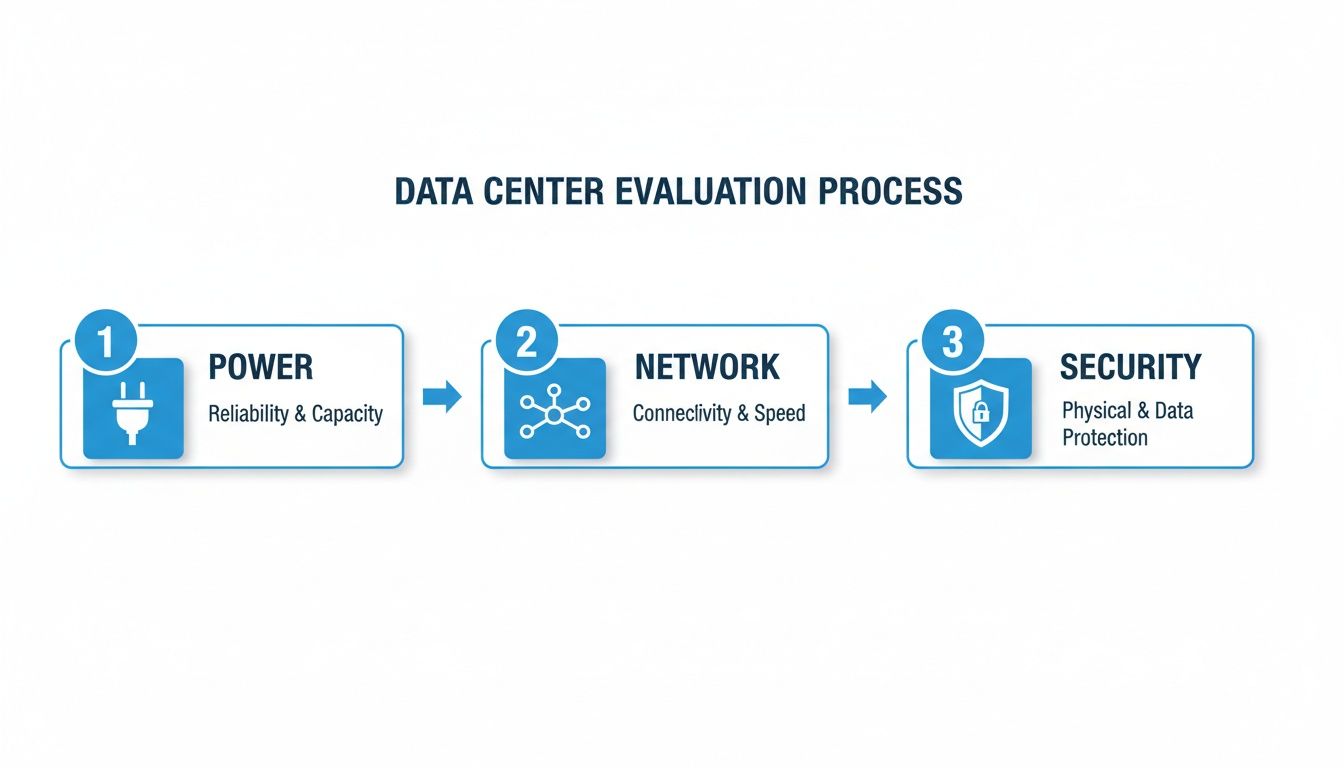
This process flow highlights the foundational pillars—power, network, and security—that should drive your choice of a provider. Getting this right from the start makes the actual migration infinitely smoother.
The Pre-Migration Blueprint
Once your inventory is locked down, you can start mapping out the network architecture for your new home. This is where you decide how all the pieces will fit together. Are you planning to blend multiple carriers for true redundancy? How will you configure firewalls and switches to handle your specific traffic patterns? Figuring this out now saves you from a world of frantic, post-move troubleshooting.
A solid pre-migration plan must include:
- A Granular Inventory List: Don't just list server names. Document models, actual power consumption, port setups, and all IP addresses.
- A Finalized Network Diagram: This is your visual guide. It should map out the new rack layout, including every switch port, VLAN, and uplink connection.
- A Detailed Coordination Schedule: You'll need to work closely with the data center team to lock in your move-in date, clarify access protocols, and book any remote hands you might need.
Move-In Day and Operational Readiness
When the big day finally arrives, organization is your superpower. Simple things, like color-coding your network and power cables, can save you hours of headaches. For example, use blue for primary network connections, yellow for out-of-band management, and distinct red and black cables for your A/B power feeds. This little bit of prep makes future maintenance a breeze.
After your gear is neatly racked and cabled according to your diagram, the real work begins: validation. Never assume things are working just because the lights are blinking.
Here’s a practical checklist that breaks the migration process down into manageable phases. It’s what we use to keep projects on track and ensure nothing gets missed.
Colocation Migration Phases Checklist
| Migration Phase | Key Tasks | Pro Tip |
|---|---|---|
| Phase 1: Planning & Discovery | - Conduct a full hardware & software inventory. - Define migration goals & success criteria. - Select your colocation provider & finalize the contract. | Document everything, especially undocumented dependencies. This is where most projects go wrong. |
| Phase 2: Design & Preparation | - Create the new network diagram & rack elevation. - Order new circuits and hardware. - Develop a detailed migration runbook with rollback plans. | Test your runbook with a non-critical system first. Treat it like a dress rehearsal. |
| Phase 3: Execution | - Physically transport equipment to the data center. - Rack, stack, and cable everything according to the plan. - Power on devices in a sequential, controlled manner. | Label both ends of every cable before you plug anything in. It will save you immense frustration later. |
| Phase 4: Validation & Go-Live | - Verify network connectivity and test application functionality. - Simulate failover scenarios (e.g., unplug a power feed or network uplink). - Decommission the old site once confident in the new environment. | Your validation isn't complete until you've tested your backups and disaster recovery processes in the new location. |
This checklist helps ensure a methodical approach, turning a complex project into a series of achievable steps.
Your migration isn't finished when the last server is racked. It's finished when you've successfully tested every primary service and every failover scenario, proving your new environment is truly production-ready.
This is your moment of truth. Go through your systems one by one and verify connectivity. Intentionally test your internet failover by simulating a carrier outage. Double-check that your out-of-band management access works perfectly. These final checks are what separate a chaotic launch from a seamless, professional transition, ensuring your new colocation dallas environment is solid from day one.
Optimizing Costs Without Sacrificing Performance
Smart cost management in Dallas colocation is about more than just the monthly bill. It’s about looking at your Total Cost of Ownership (TCO). Chasing the lowest upfront price can easily backfire if you end up paying for resources you don't use or get hit with surprise fees later on. Real optimization means aligning your spending precisely with your needs, ensuring you’re not trimming fat where you need muscle.
Power consumption is one of the first places I always look for savings. It's incredibly common for companies to overestimate their power requirements, committing to and paying for capacity that their hardware will never actually draw. The trick is to right-size your power commitment from day one.
Before you sign anything, run a real-world audit of your equipment's power consumption under its typical load.
A classic mistake is just adding up the maximum wattage printed on every power supply. A much smarter approach is to measure the actual draw, then add a healthy 20-30% buffer for traffic spikes and future growth. This simple step prevents you from paying a premium for stranded capacity that just sits there, unused.
Making Sense of Bandwidth Billing
Bandwidth is another major line item where you can find significant savings. Most providers offer two primary billing models: a flat-rate committed plan or a burstable plan (often called 95th percentile). Neither is universally "better"—the right one for you depends entirely on how your traffic behaves.
- Flat-Rate Commitment: You get a fixed amount of bandwidth for a predictable monthly cost. This is perfect for businesses with steady, consistent traffic, like an enterprise running stable internal apps. No surprises.
- 95th Percentile Billing: This model lets you exceed your committed rate to handle unexpected surges. The provider essentially ignores the top 5% of your usage peaks when calculating your bill, so occasional spikes in traffic won't blow up your budget.
Think about a SaaS platform with user activity that ebbs and flows, or a gaming company that sees huge player counts during new content releases. A 95th percentile plan is made for them. It gives you the headroom to manage peak demand without being forced to pay for that max capacity 24/7. To dig deeper into how these factors play out, check out our guide on the cost of colocation.
Finding Savings in Your Hardware and Operations
Beyond the big two—power and bandwidth—your operational choices can make a huge difference. Investing in modern, power-efficient servers and network gear is a great example. Yes, there's an upfront cost, but newer hardware almost always delivers far more performance per watt, which directly translates to lower power bills over the long haul.
And don't forget about remote hands services. This is one of the most effective ways to slash the hidden costs of colocation. Instead of flying your own engineers out to the data center for routine tasks like swapping a failed drive or rebooting a server, you can have on-site technicians do it for a nominal fee. This not only saves a ton on travel and expenses but, more importantly, keeps your valuable team focused on strategic work, not basic hardware swaps.
Designing Resilient Architectures For Your Workloads
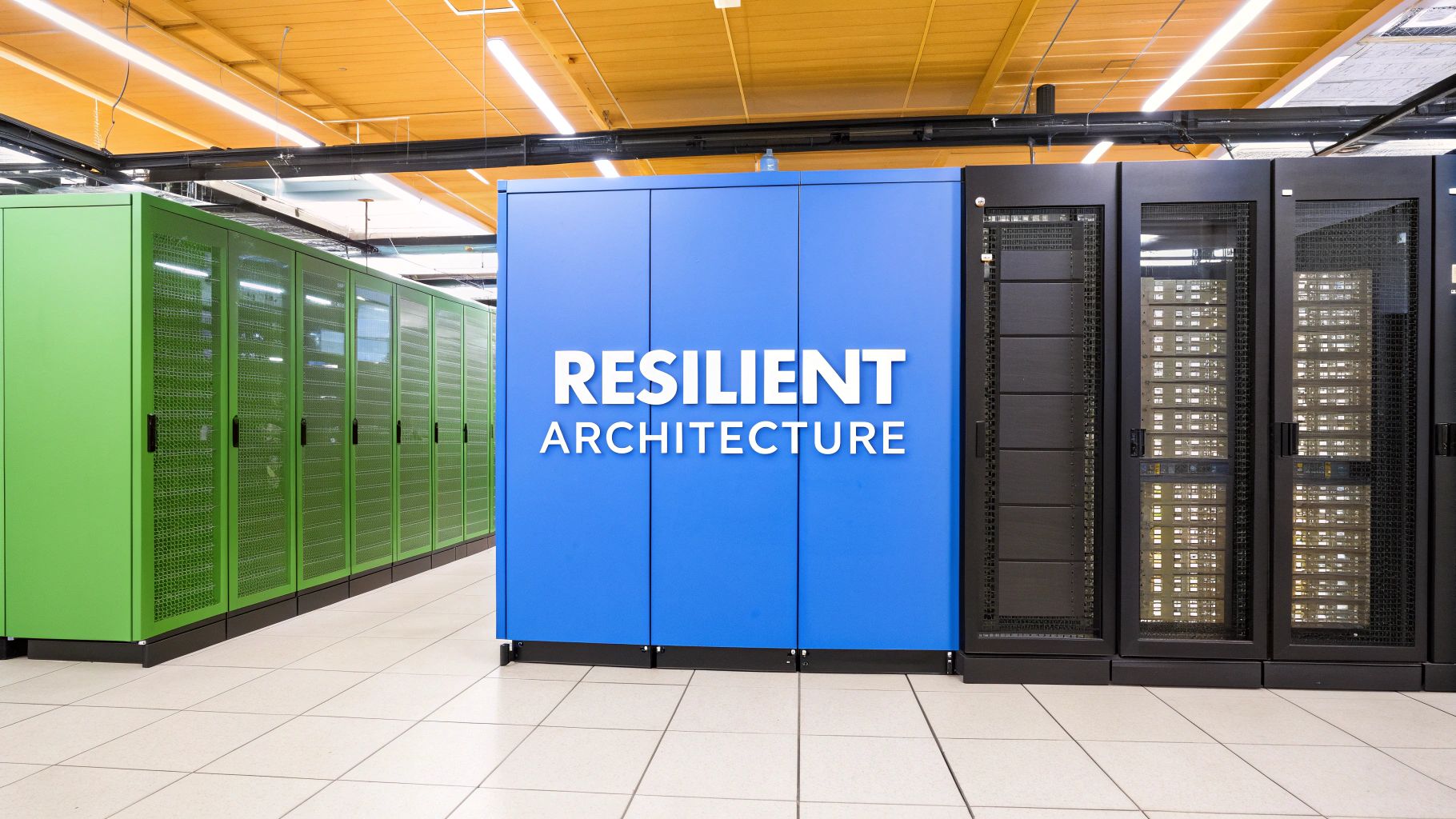 The real value of colocation isn't just about renting rack space. It's about designing an infrastructure that’s purpose-built for what you actually do. A one-size-fits-all setup is a recipe for trouble when performance and reliability are on the line.
Let's move from theory to practice and explore how different businesses can build powerful, resilient setups using colocation in Dallas. These examples show you how to map a facility's capabilities—power, connectivity, security—directly to your business goals.
High-Performance Gaming Environment
For a gaming company, latency is the enemy. Even a few milliseconds of lag can completely ruin the experience for players, so your entire architecture has to be obsessed with speed and stability. The goal is to deliver the fastest connection possible to a player base that could be anywhere.
This isn't a single-solution problem. You need a few key things working together:
- Carrier-Neutral Connectivity: Never get locked into a single network provider. A practical approach is blending multiple Tier 1 carriers with regional ISPs. This creates a web of optimized, low-latency routes to major population centers.
- Always-On DDoS Protection: Gaming servers are a magnet for attacks. You need automated, multi-layered DDoS mitigation that scrubs malicious traffic instantly without booting legitimate players.
- High-Performance Hardware: This is non-negotiable. Deploying servers with the latest CPUs and Gen5 NVMe storage means faster map loads and smoother gameplay. Full root access is a must for the custom configurations that gaming demands.
Scalable SaaS Platform
A Software-as-a-Service (SaaS) platform needs to be built for two things: uptime and growth. Your customers rely on your application being available 24/7, which means your infrastructure has to be redundant from the ground up and ready to scale at a moment's notice.
A resilient SaaS architecture is built on the principle of "no single point of failure." Every component, from power feeds to network uplinks, must have a backup ready to take over instantly.
Here are the critical components for a rock-solid SaaS setup:
- True A+B Power Redundancy: Servers must have dual power supplies, with each one plugged into independent power circuits (the A and B feeds). This is the only way to ensure that a failure on one power feed has zero impact on your operations.
- Geographic Redundancy: For serious disaster recovery, think about a dual-site strategy. Colocating in two separate Dallas facilities, or even pairing Dallas with another market, gives you the ability to fail over your entire platform if a regional disaster strikes.
- Robust Monitoring: You can't scale what you can't measure. For a deeper dive, check out our guide on infrastructure monitoring best practices to keep a close eye on resource utilization and performance bottlenecks.
Enterprise Hybrid Cloud Model
Many enterprises are landing on a hybrid model, mixing the security of private infrastructure with the agility of the public cloud. Colocation is the perfect bridge between these two worlds. It provides a secure, high-performance home for workloads that just aren't a good fit for the public cloud due to compliance rules, cost, or performance needs.
This model lets an enterprise keep its core databases or legacy applications in a secure colocation facility while connecting directly and privately to cloud providers. For instance, a healthcare company can keep sensitive patient data on private servers in a HIPAA-compliant Dallas data center, while using a direct cloud connection to run analytics workloads on that data in a public cloud environment. This setup ensures security and compliance while still offering cloud flexibility.
The Dallas-Fort Worth colocation market is projected to double in size by the end of 2026, fueled by huge demand from AI and hyperscale users. This explosive growth means enterprises have a wealth of options for the high-performance hardware and always-on security needed to build these kinds of resilient architectures. You can read more about the Dallas data center boom on Axios.com.
Dallas Colocation: Your Questions Answered
When you're getting down to the final details of a potential move into a Dallas data center, the practical questions really start to surface. Getting straight answers is what turns a good decision into a great one. Let's break down some of the most common things we hear from engineering teams and decision-makers.
We'll cover the real-world impact of network choices, how to nail your power planning, and what on-site support can actually do for you. Getting these right means finding a partner that fits your technical and operational reality, not just a spec sheet.
Carrier-Neutral vs. Carrier-Specific: What's the Big Deal?
A carrier-neutral data center is all about options. It means you can connect to a whole ecosystem of different internet service providers right inside the building. This creates a competitive marketplace, which almost always means better pricing and performance for you. But the real win is redundancy. If one provider has a bad day, you can just fail over your traffic to another.
On the other hand, a carrier-specific facility ties you to a single network. That's a massive single point of failure. For any business running critical applications where downtime isn't an option, carrier neutrality isn't just a feature—it's the standard.
How Much Power Do I Really Need for My Rack?
Getting this right is crucial. Start by tallying up the maximum power draw for every single piece of gear you plan to rack—servers, switches, firewalls, you name it. You can usually find this in watts on the hardware itself.
Once you have that total, a good rule of thumb is to add a 20-30% buffer. This isn't just fat; it covers you for unexpected power spikes and gives you room to grow without having to re-engineer your entire setup. Any good provider should be able to walk you through a detailed power audit to help you land on the right number.
Getting your power commitment right from the beginning means you won't overpay for unused capacity or, worse, hit a physical limit just when you need to scale up your operations. It’s a foundational step for cost-effective growth.
Paying for power you don't use is a waste, but running out of it when you need to add more hardware is a crisis.
What Can "Remote Hands" Actually Do for Me?
Think of remote hands as your own skilled technicians, physically present at the data center 24/7/365. They're your eyes and hands on the ground, ready to tackle all the physical tasks that would otherwise mean a drive (or a flight) for you or your team. It's a huge time and money saver.
Here’s a snapshot of what they typically handle:
- Rebooting a frozen server to get it back online fast.
- Swapping out a failed hard drive or other field-replaceable unit (FRU).
- Patching cables to set up a new connection or re-route something.
- Racking new equipment based on your diagrams and instructions.
- Giving you a visual check on an LED status light or an error code on a screen.
This service is an absolute game-changer. It cuts down on your operational overhead, eliminates travel, and turns hardware problems that could take hours to fix into issues that are resolved in minutes.
Ready to build your ideal infrastructure in Dallas? The expert team at Soraxus is here to help you design a high-performance, resilient colocation solution with A+B power, carrier-neutral connectivity, and always-on DDoS mitigation. Explore your options and get started at https://soraxus.com.